Connecting to data
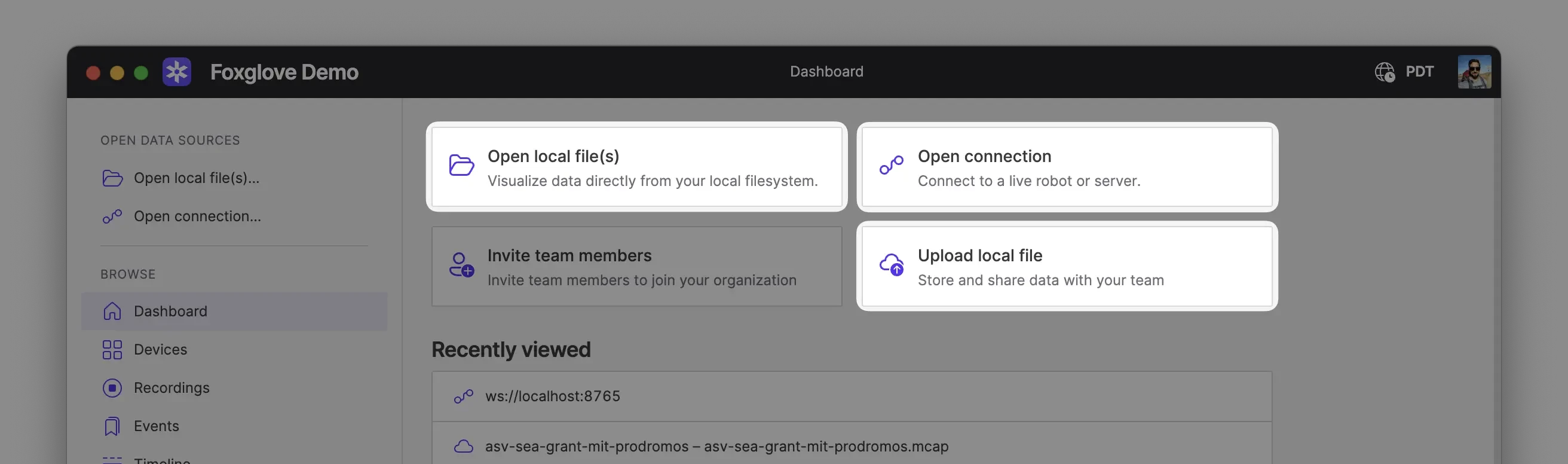
Foxglove can visualize data from a variety of sources. To get started, go to the Foxglove dashboard and choose a data source option.
Data sources
| Description | |
|---|---|
| Live | Stream real-time data from a live robotics stack |
| Local | Open local MCAP, ROS 1 bag, ROS 2, or PX4 ULog files from your computer |
| Cloud | Stream data from the Foxglove Data Platform, or load remote MCAP and ROS 1 bag files via URL |
tip
If you don't have your own data, check out the Foxglove sample data gallery.
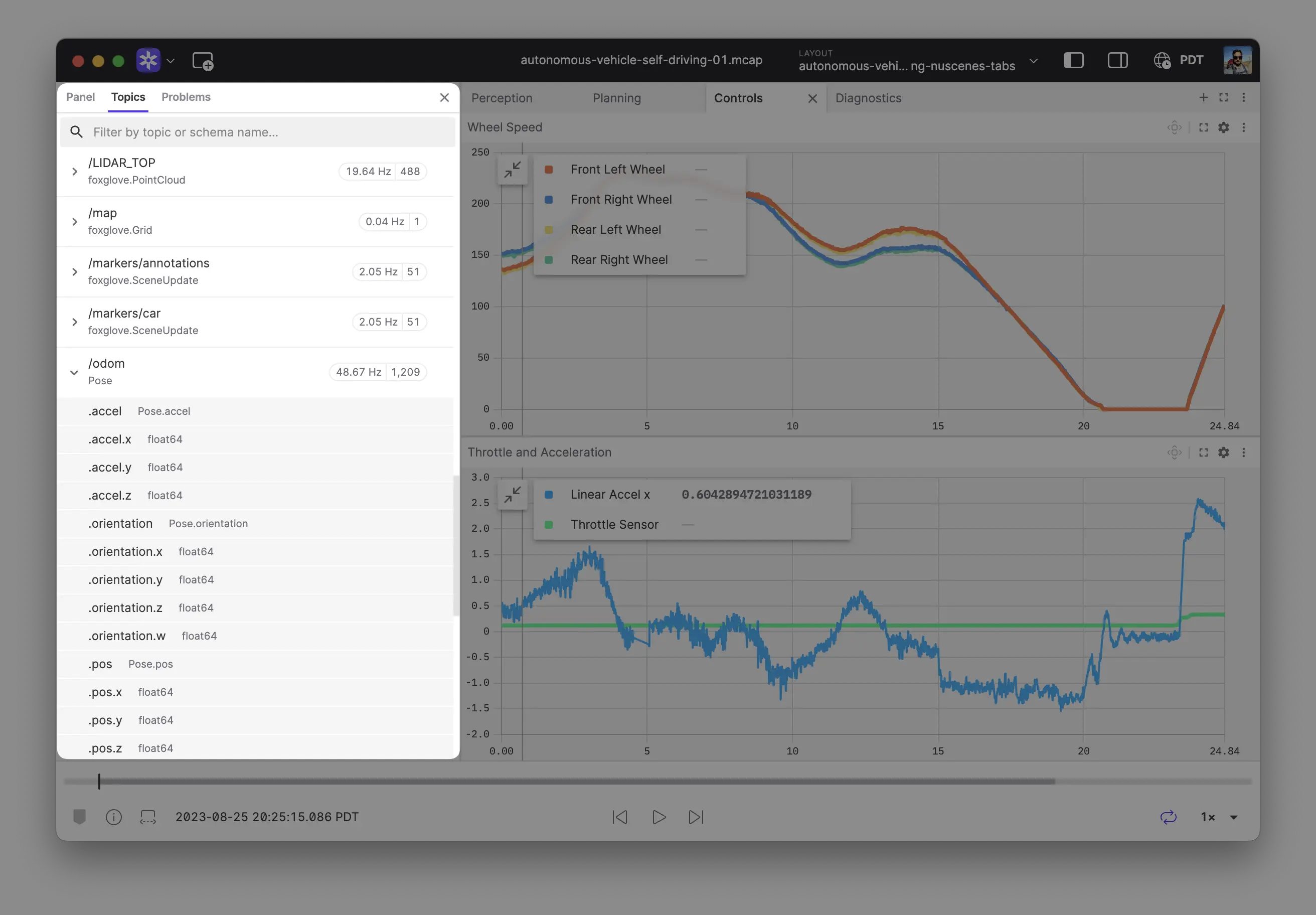
Once connected, Foxglove displays the data source's topics in the sidebar:
Next steps
- ROS users: Set up the Foxglove Bridge for the best live-streaming experience
- Produce your own data: Use the Foxglove SDK in Python, Rust, or C++ to record data or publish it live